Get your Lectio form to the cell phone and see your schedule in an easy and fast way.
View your Lectio schedule on the mobile, both as teacher and student (Completely without the use of a login). and get a quick overview of where you, or others, need to be.
Over the last few days, I have adjusted so that the program can again retrieve data from Lectio 's website. During this process, I had to rewrite a lot of code as I had lost the source code for the thing that stores data from Lectio website. I therefore hope that I have not introduced a lot of errors that cause the app to crash.
This application retrieves public data from Lectio .dk and, in addition to this, has no connection to Lectio .dk or Macom A/S
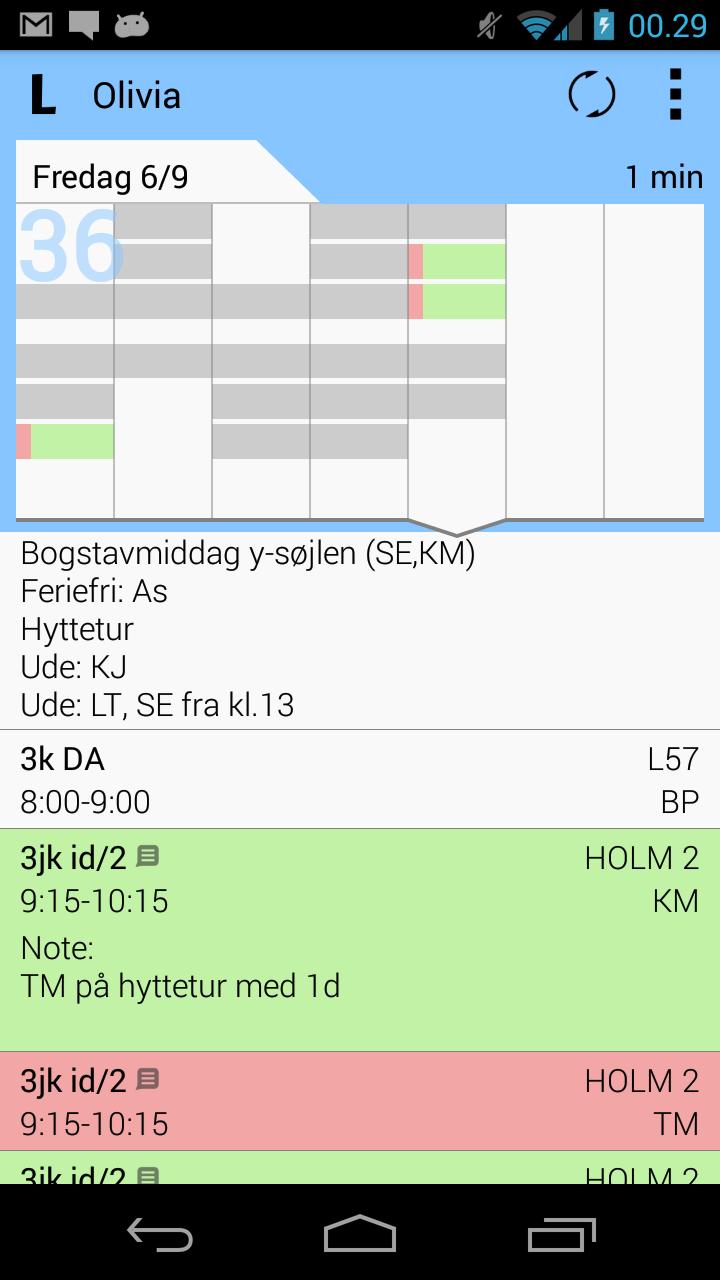
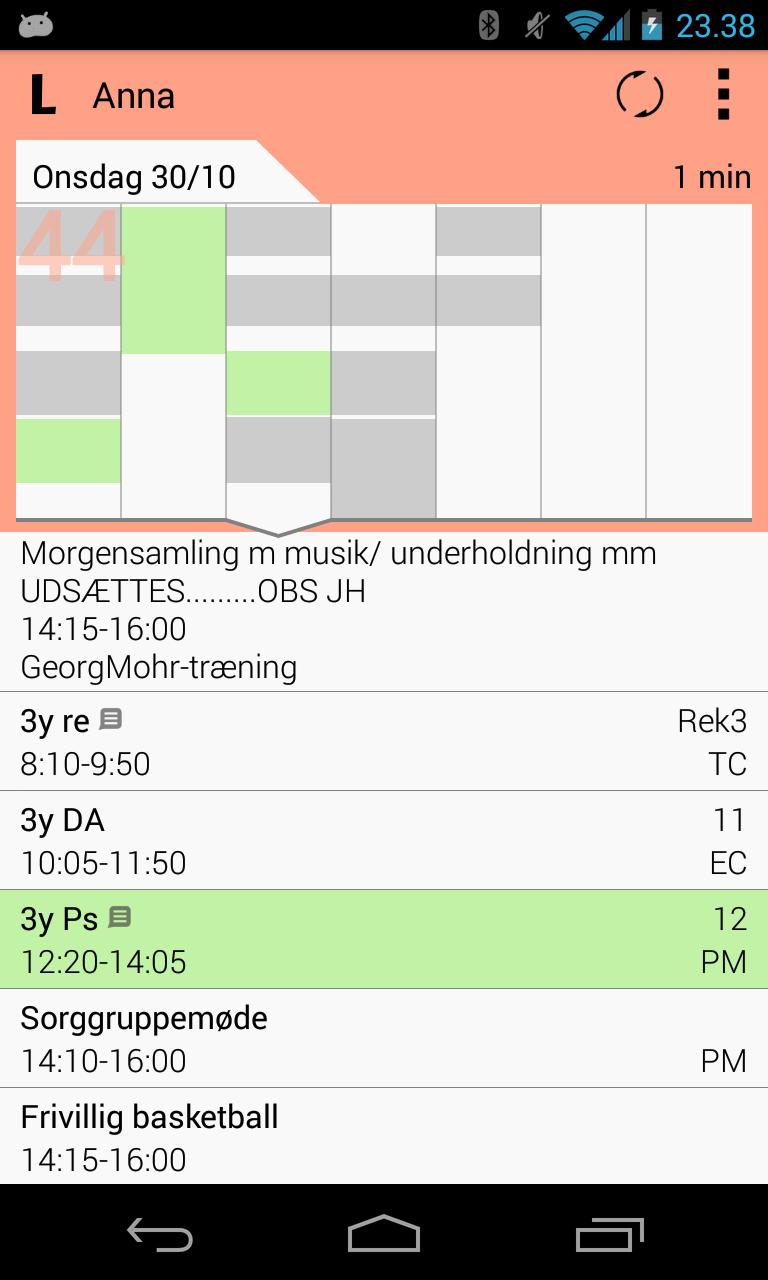
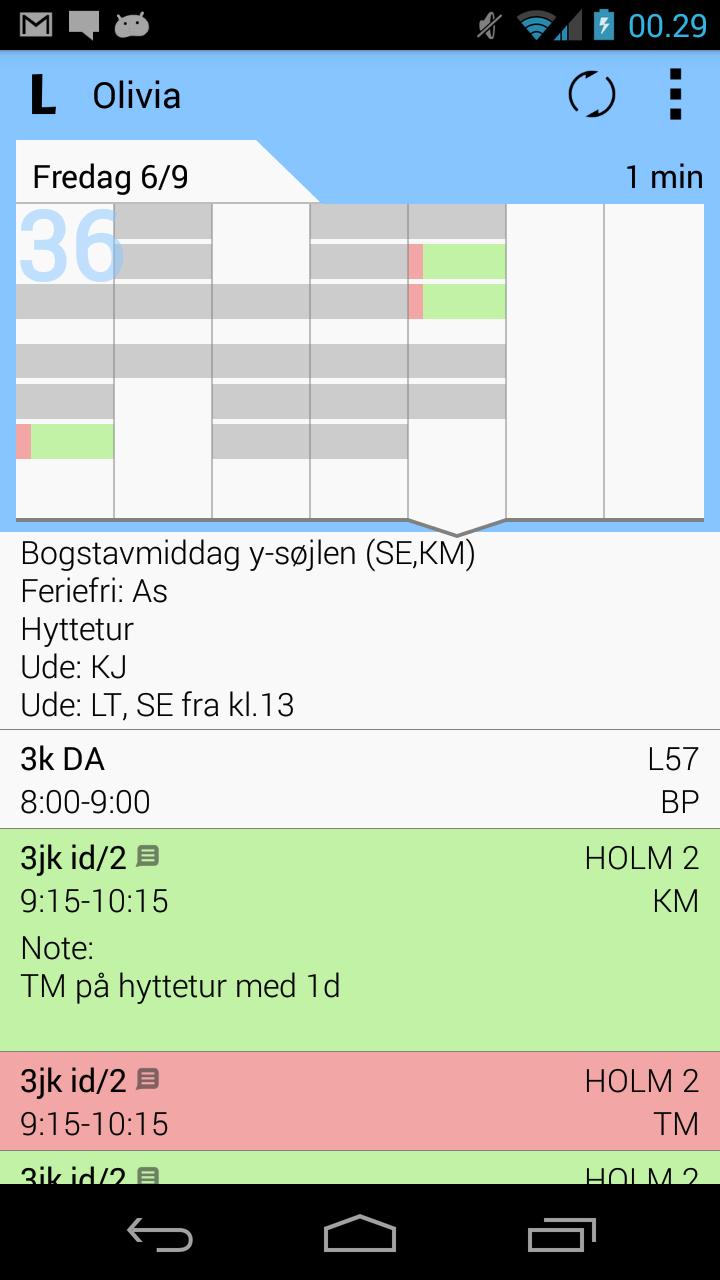
There is now a completely new and beautiful layout for the app, so it has become easier to get a quick overview of your hours, and navigation by swiping between days.
- See the schedule for Students, teachers and rooms and see your notes and homework for the lessons, press the lessons with the small message icon.
- Write your own notes for the days (Menu>Edit daily note), and remember the things that the teachers never get to write on.
- See weekly overview at the top of the screen, so you can get a quick overview of canceled and normal classes.
- Remembers your schedule so you can also see it when you are not connected to the internet
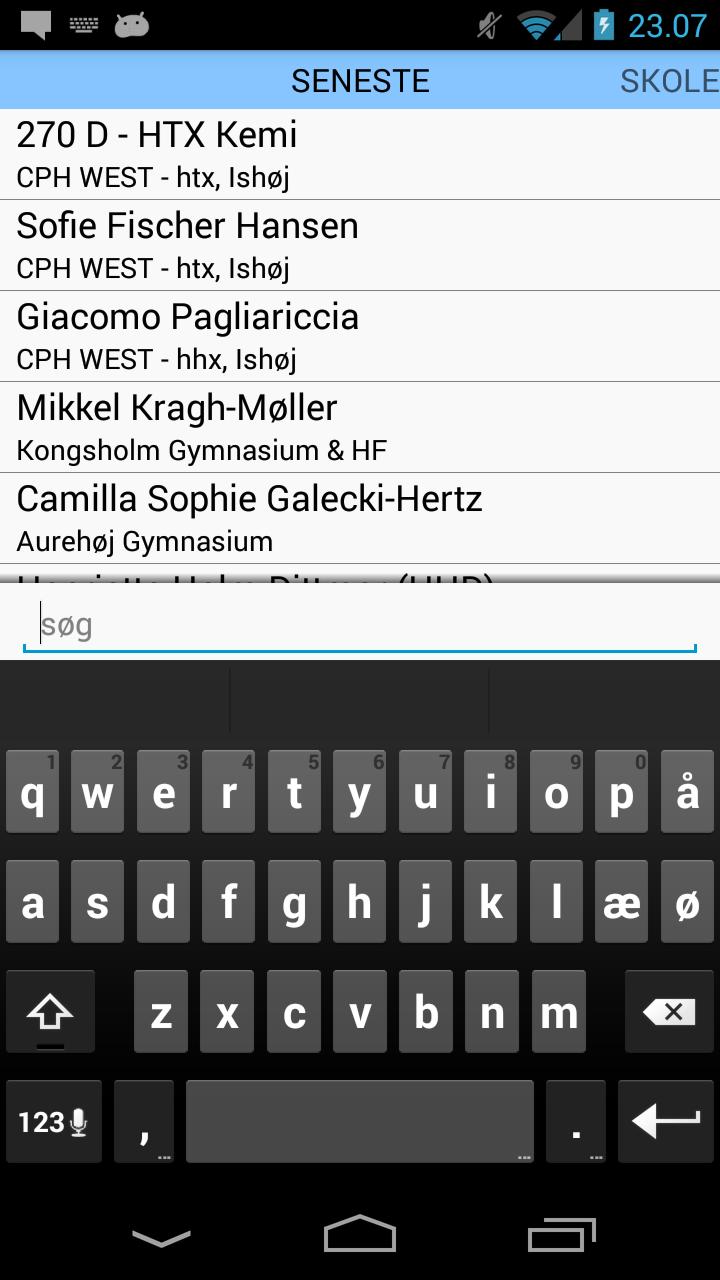
- Easy setup, enter the school and name of the student, teacher or local you want to see (requires internet connection)
- Remembers the forms you have looked at before, so they are easy to find again.
- Choose your own theme
- No use of login
If there are problems, or wishes for future updates, send an email, it is much easier to respond to a comment.
Read more